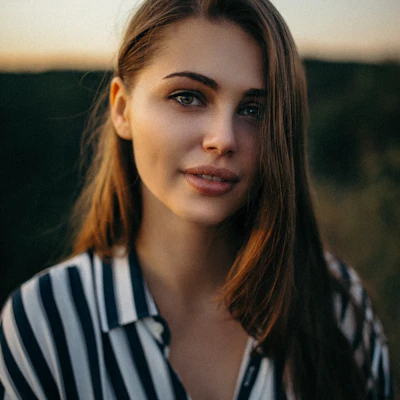

Before
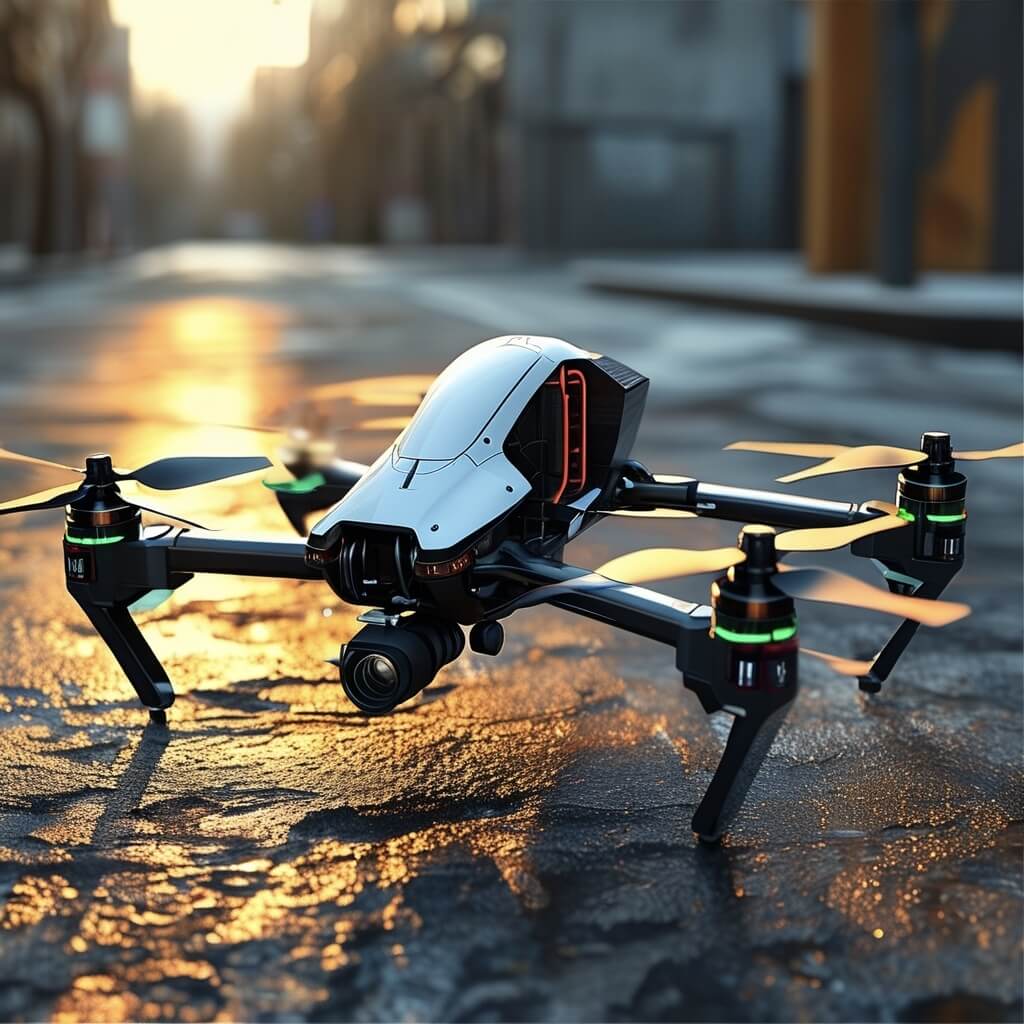
After (10s)
Drone → lift-off & hover
Prompt: “drone lifts off smoothly, slight camera shake, cinematic sunlight, shallow depth of field”
Upload a static portrait and watch our AI transform it into a stunning cinematic video in seconds.
or
Supports JPG, PNG, HEIC
Real before/after examples. Left is the original photo, right is the 10-second animated result.
Prompt: “drone lifts off smoothly, slight camera shake, cinematic sunlight, shallow depth of field”
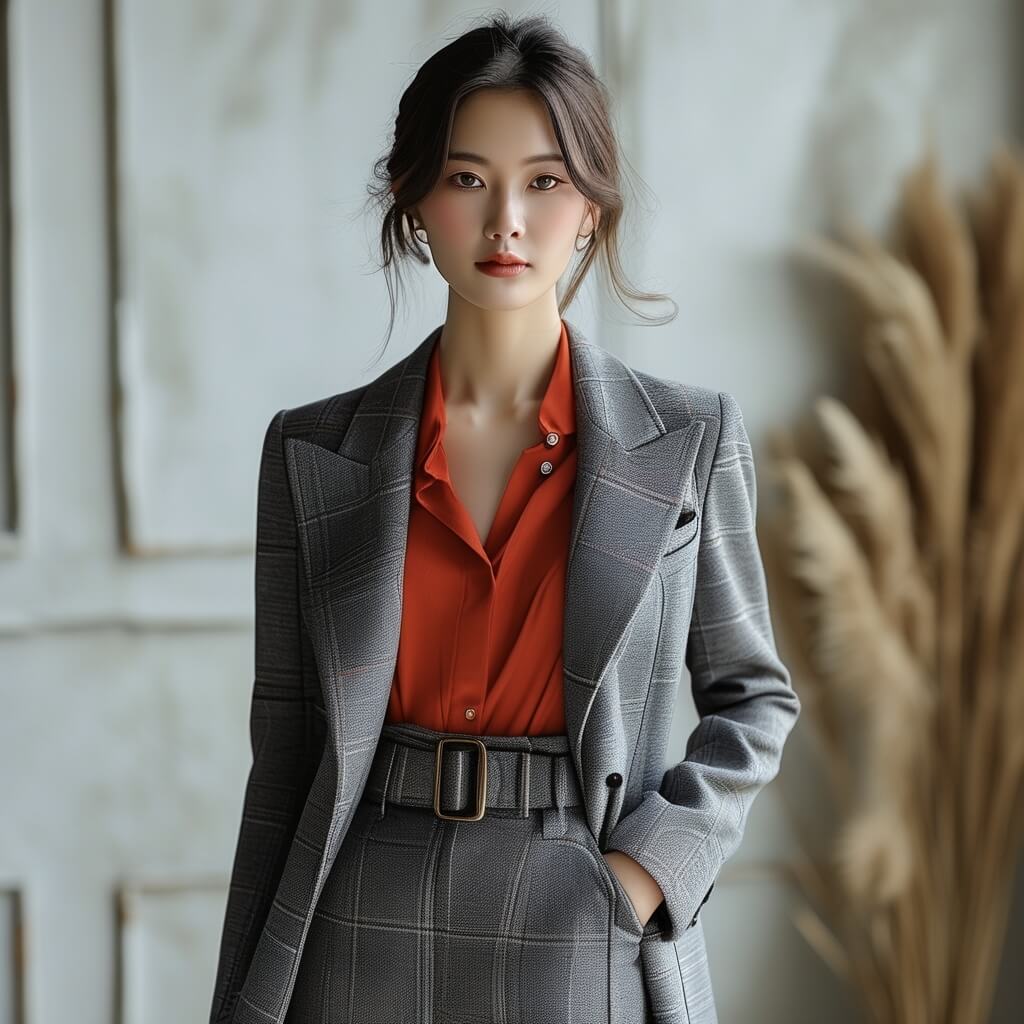
Prompt: “she takes a step forward and starts walking naturally, subtle fabric movement, soft studio light”
Turn a still moment into a short cinematic clip in three simple steps — fast, private, and made for sharing.
Drag & drop a portrait, family photo, or pet shot. Higher resolution = sharper details.
Describe what should happen in the photo — a few words are enough. Subtle motion looks most cinematic.
Get a crisp MP4 you can share anywhere — perfect for social posts, stories, and memories.
Use clear JPG/PNG photos. Avoid heavy blur, extreme angles, and very small faces. Higher resolution gives better results.
You'll get an MP4 video (around 10 seconds) - perfect for sharing on social media and messengers.
It turns a still moment into something you can feel again - subtle motion brings portraits and memories to life in a cinematic way.
You can try the experience on the website. The Windows app provides the full local workflow and the best quality.
Keep it short and realistic: "gentle smile", "blink once", "soft breeze", "slow head turn". Small motions look most natural.
This website demo is designed to keep your photo in your browser for preview. For maximum privacy, use the Windows app for local processing.
"I showed it to my grandma... she literally froze and said: 'Wait, this is moving?!' We watched it three times. Pure magic."
"Old photo from the 90s. I typed 'gentle smile' - and it looked like a real memory coming back. I got goosebumps."
"The best part is how natural it feels. Not 'AI flashy' - just subtle, cinematic motion. Exactly what I wanted."
"I animated a photo of my dad when he was young. My mom got emotional. It's a tiny clip, but it hits hard."
"I used 'soft breeze in hair' - and it instantly looked like a film shot. Perfect for a short reel."
"Fast, clean, and the result is shareable right away. This is the first tool I've used that feels 'human'."